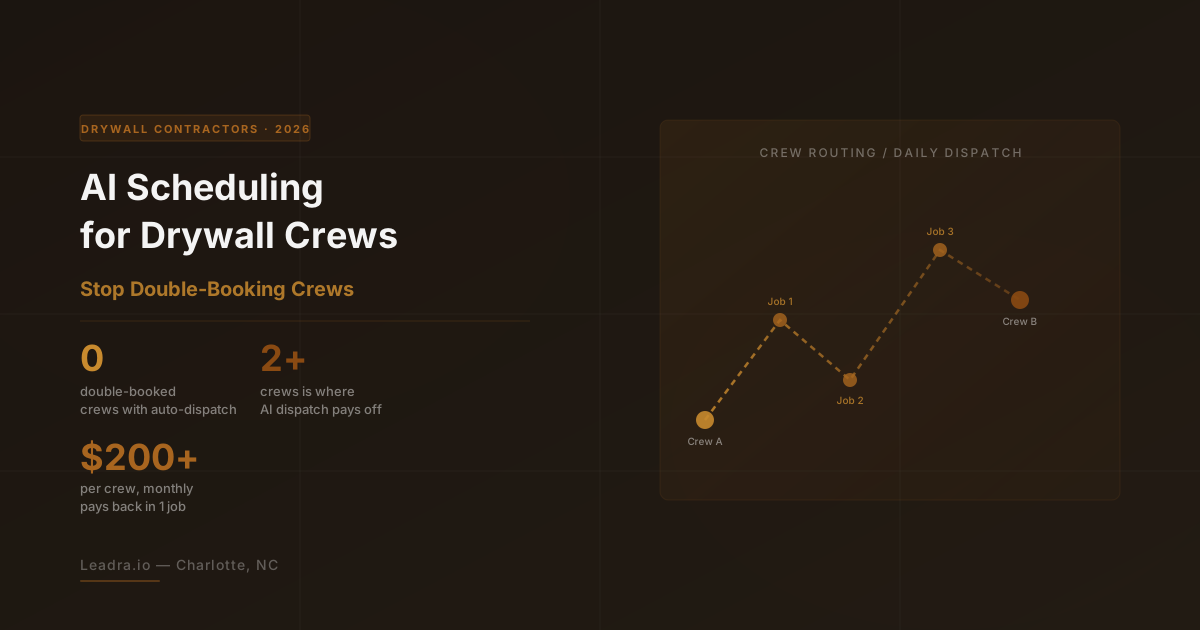
Ask any drywall contractor running more than one crew what breaks first as the business grows, and the answer is almost never marketing. It's scheduling. A dispatcher juggling a whiteboard, a group text, and a paper calendar can hold things together with two crews. Add a third, and jobs start overlapping, crews drive across town twice in a day, and homeowners get stood up because nobody confirmed who was actually assigned to the 9am walkthrough.
AI scheduling software for drywall contractors exists specifically to fix that breakdown. Instead of a person mentally tracking crew locations, skill sets, and job timelines, the system matches new jobs to the right crew automatically and flags conflicts before a truck ever leaves the yard. We build automation systems for trades and home service businesses, and dispatch chaos is one of the most common growth ceilings we see once a contractor scales past a single crew.
Here's what AI dispatch actually does, when it's worth deploying, and what to look for before switching from a whiteboard to a system.
Why Drywall Scheduling Breaks Down at Two Crews
A single crew only needs a calendar — there's no coordination problem when one team works one job at a time. The math changes fast with a second or third crew. Now someone has to track which crew is closest to the next job, whether a crew finishing early can pick up a same-day repair, and whether the texture specialist is actually on the crew scheduled for a match-texture job.
Most contractors handle this with a whiteboard or a shared spreadsheet, which works until it doesn't. A missed update, a crew that finishes a job two hours late, or a new emergency repair that needs slotting in mid-day, and the whole schedule falls out of sync. The result is double-booked crews, wasted drive time between far-apart jobs, and homeowners who show up to an empty driveway because the appointment never made it off someone's phone.
What AI Dispatch Software Actually Does
1. Matches jobs to crews automatically.
When a new job comes in — from a quote acceptance, a repair call, or an insurance referral — the system checks which crews are qualified for the scope (hang, tape, texture match, level 5 finish) and available in the right window, then assigns it without a dispatcher manually cross-checking a spreadsheet.
2. Routes crews by location, not by guesswork.
Instead of assigning jobs in the order they came in, AI dispatch clusters jobs geographically so a crew isn't driving 40 minutes across town between two appointments that could've been back-to-back with a crew already in that area.
3. Flags conflicts before they happen.
If two jobs get assigned to the same crew at overlapping times, or a job estimate runs longer than scheduled and pushes into the next appointment, the system catches it immediately and reshuffles instead of a homeowner finding out on-site that no one is coming.
4. Re-optimizes in real time.
A crew calling out sick, a job running into unexpected water damage, or a same-day emergency repair all change the schedule. AI dispatch recalculates the day's routing automatically instead of a dispatcher rebuilding the whiteboard from scratch.
5. Sends automatic homeowner confirmations.
Once a job is assigned, the system can text the homeowner a confirmation with the crew's estimated arrival window and a reminder the day before, cutting no-shows and last-minute reschedule calls that eat into a dispatcher's day.
When AI Scheduling Is Worth Deploying
A single-crew drywall operation doesn't need this. A basic booking calendar handles one crew working one job at a time just fine, and adding dispatch software at that stage is overkill.
The math flips once a contractor is running two or more crews across separate job sites, especially handling three or more active jobs in a given week. That's the point where manual coordination starts costing real money — wasted drive time, double-booked slots, and a dispatcher spending hours a day on coordination that software can do in seconds.
AI Dispatch vs. a Whiteboard or Spreadsheet
A whiteboard or shared spreadsheet shows what's booked, but it's a passive record — it doesn't catch a scheduling conflict, calculate travel time between two job sites, or check whether the assigned crew actually has the skill set a job needs. Someone has to catch those problems manually, and on a busy day, problems slip through.
AI dispatch software runs those checks automatically on every job, every time. It doesn't replace the dispatcher's judgment on tricky calls — a VIP repeat customer, a job that needs a specific crew lead — but it removes the repetitive conflict-checking and route-planning work that eats up a dispatcher's morning.
The contractors who benefit most are the ones who've already outgrown the whiteboard and are feeling it — missed appointments, crews crossing paths on the highway going opposite directions, a dispatcher who can't take a day off because no one else can track the schedule.
What to Look Out For Before Switching Systems
Not every scheduling tool marketed to contractors handles multi-crew dispatch well. A few things to check before committing to a platform.
No integration with your estimating software.
If job details from an accepted quote have to be typed into the scheduling tool by hand, the tool is adding work instead of removing it. Confirm the platform connects to whatever estimating or CRM software you already run.
Scheduling only, no homeowner communication.
A tool that assigns crews but doesn't text the homeowner a confirmation or arrival window still leaves someone making manual calls every day. Look for dispatch software that closes the loop with the customer automatically.
Built for a different trade entirely.
Generic field service scheduling tools built for HVAC or plumbing dispatch calls, not multi-day drywall jobs with phases like hang, tape, texture, and paint. Make sure the platform handles job phases, not just single-visit appointments.
What AI Scheduling Software Costs for a Drywall Contractor
Pricing for AI dispatch and scheduling tools built for trades typically runs $200-$600 per month per active crew, depending on the number of integrations (estimating software, homeowner texting, calendar sync) running underneath it. Setup is usually a one-time fee to map your crews, service area, and existing job data into the system.
For a two-crew contractor losing even one job a week to a scheduling conflict or wasted drive time, the monthly cost is typically recovered several times over — a single recovered $2,000-$4,000 drywall job covers months of the tool's cost outright.
Frequently Asked Questions
What does AI scheduling software actually do for a drywall contractor?
AI scheduling software matches incoming jobs to the right crew automatically, factoring in crew location, current job status, skill match (hang, tape, texture, finish), and how long the job is likely to take based on square footage. Instead of a dispatcher juggling a whiteboard or spreadsheet, the system flags conflicts before they happen and suggests the fastest route between jobs, which cuts windshield time and prevents double-booking a crew across two sites.
How is AI dispatch different from a shared calendar or spreadsheet?
A shared calendar shows what's booked but doesn't catch conflicts, travel time, or crew skill mismatches until someone notices manually. AI dispatch software checks all of that automatically every time a new job comes in, and re-optimizes the schedule in real time when a job runs long or a crew calls out sick. It replaces reactive scheduling with a system that catches problems before a crew shows up to the wrong site or a homeowner gets stood up.
Is AI scheduling worth it for a drywall contractor with only one or two crews?
For a single-crew operation, a simpler booking calendar usually covers the need. AI dispatch starts paying off once a contractor runs two or more crews across different job sites, because that's when manual coordination breaks down — a dispatcher juggling texts and a whiteboard can't reliably track real-time job progress across multiple locations. Most contractors see the clearest return once they're managing three or more simultaneous jobs a week.
Does AI scheduling software integrate with existing drywall estimating tools?
Most modern AI dispatch platforms integrate with common estimating and CRM software through API connections, pulling job details like square footage, scope, and address directly from the accepted quote so the job can be scheduled without manual re-entry. When evaluating a platform, confirm it connects to whatever estimating software your business already uses before switching, since re-entering job data by hand defeats the purpose.
The Bottom Line
AI scheduling software for drywall contractorsisn't about replacing a dispatcher — it's about removing the manual conflict-checking and route-planning work that breaks down the moment a contractor scales past one crew. The contractors who deploy it stop losing jobs to double-bookings and start running multiple crews with the same coordination effort it used to take to run one.
At Leadra.io, we build automation systems for trades and home service businesses — with a 90-client guarantee for qualifying businesses or you don't pay. Start with a free audit where we map exactly where your current scheduling process is leaking time and money.
Stop losing jobs to scheduling chaos
Get Your Free AI Automation Audit
We'll show you exactly where crews, calls, and quotes are slipping through the cracks — and what it would take to recover them. 30 minutes, no obligation.
Last updated: August 12, 2026 | Leadra.io — AI Scheduling Software for Drywall Contractors