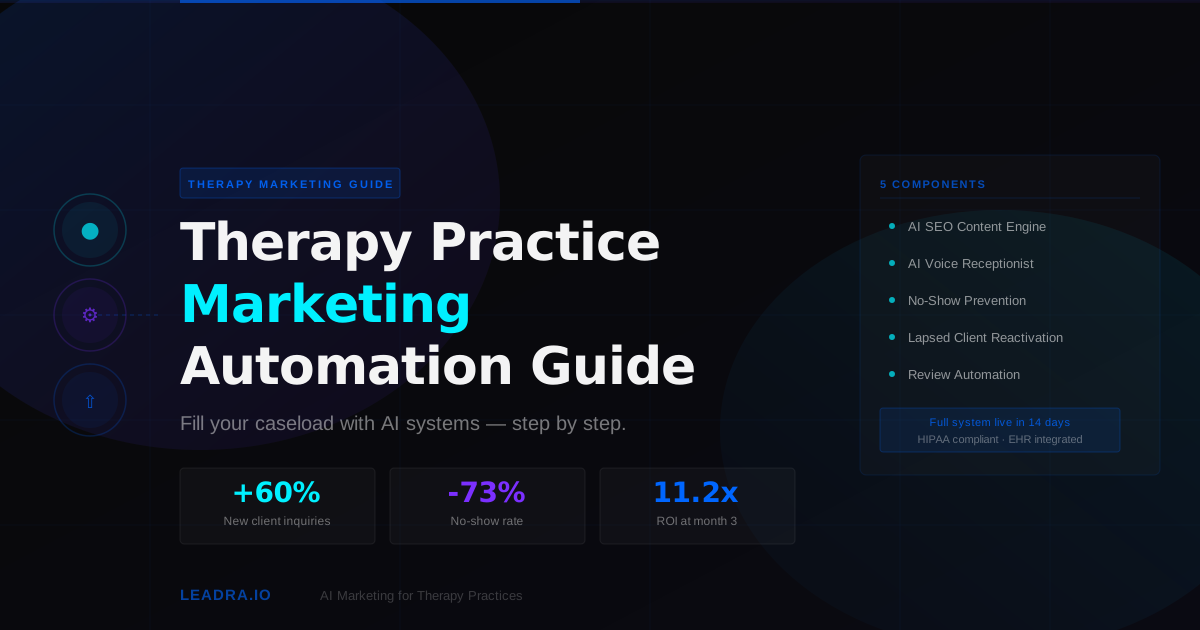
Most therapy practices have a marketing problem hiding in plain sight: they spend 40-50 hours per week doing clinical work, and approximately zero hours doing anything systematic to grow. Word of mouth trickles in. Psychology Today profiles sit half-filled. Phone calls go unanswered during sessions. And the practice never reaches the caseload it should be carrying.
Marketing automation fixes this without adding hours to your week. This guide covers the complete system — five components, in order, built specifically for the constraints of a mental health practice. It covers what to automate, what not to automate, what HIPAA compliance actually requires, and what results to expect at 30, 60, and 90 days.
This is not a list of tools. It is a buildable system you can implement in two weeks and run indefinitely with minimal ongoing effort.
Why Therapy Practice Marketing Stays Broken Without Automation
Therapists are not bad at marketing because they lack skill. They are bad at marketing because the structure of clinical work makes consistent marketing effort almost impossible. Three specific constraints create the problem:
Marketing automation addresses all three. An AI system does not need you to be available. A properly configured system is HIPAA compliant by design. And organic search automation builds a channel that produces referrals without requiring networking time. Here is how to build it.
The 5-Component Therapy Practice Marketing Automation System
These five components work in sequence. Do not skip steps — each one feeds the next. Build them in this order.
Component 1: AI Local SEO Content Engine
Before you can automate lead capture, you need leads to capture. For therapy practices, the highest-quality leads come from Google searches — people actively seeking therapy in your city, for your specialty, right now. These searches happen thousands of times per day in any mid-to-large metro area. Most of them go to practices that publish educational content targeting those exact queries.
An AI content engine publishes 4-8 blog posts per month targeting therapy keywords specific to your city and specialty. Examples: "therapist for anxiety Charlotte NC," "EMDR therapy near me," "couples counseling [city]," "trauma therapist accepting new patients." Each post is 1,500-2,000 words, structured for Google AI Overviews (the AI-generated summary blocks appearing above search results), and includes FAQ sections targeting People Also Ask boxes.
90-Day Content Engine Output
24-32
Posts published
60-90 days
First organic leads
40-70%
Inquiry increase
$0
Paid ad spend
Component 2: HIPAA-Compliant AI Voice Receptionist
When organic content starts driving calls, you need to answer them. An AI voice receptionist answers every call during session hours — and after hours — in under two seconds. It collects new client intake information (presenting concerns, insurance, availability, contact details), answers common questions about your services and insurance contracts, and pushes structured intake data directly to your EHR.
The HIPAA requirements for this component: the vendor must sign a BAA, all call recordings and transcripts must be stored in HIPAA-eligible infrastructure with end-to-end encryption, and the system must include a documented crisis language detection and escalation protocol. Any caller expressing thoughts of self-harm or acute psychiatric distress should be routed immediately to the 988 Suicide & Crisis Lifeline, held on the line, and trigger an SMS alert to your on-call clinician.
Do not deploy a general-purpose voice AI for this. Use a platform built for healthcare that has clinical escalation logic built in. The setup investment is worth it — this single component typically recovers 35-60% of calls that were previously going to voicemail and leaving without booking.
Component 3: Appointment Confirmation and No-Show Prevention
Therapy practice no-show rates average 15-25% without a structured reminder system. At $150-$250 per session, a 20% no-show rate on a 30-session-per-week practice is $900-$1,500 in lost revenue every week — $46,800-$78,000 per year.
The automated no-show prevention sequence for a therapy practice:
Personalized SMS reminder with session date, time, and a one-tap confirmation link. Includes rescheduling option if the client needs to move the appointment rather than cancel outright.
Second reminder if the 48-hour message was not confirmed. Slightly different language — more direct, with a reply option to confirm or reschedule.
Final reminder for clients who have not confirmed. For telehealth clients, includes the session link so there is no login friction at session time.
If the client misses the session, an automated same-day message goes out: 'We missed you today — want to reschedule?' with a direct scheduling link. Converts 30-40% of no-shows into rebooked appointments rather than dropped clients.
Component 4: Lapsed Client Reactivation
Every therapy practice has a database of former clients — people who completed treatment, paused for life reasons, or fell off the schedule. These clients already trust you. They have already completed the barrier-to-entry of finding and starting therapy. Reactivating one lapsed client costs 5-8x less than acquiring a new one, and lapsed clients return with shorter time-to-retained.
An automated reactivation system runs 60-day, 90-day, and 180-day check-in sequences for clients who have not been seen in 45+ days (and are not in an active treatment episode). The sequence is wellness-framed — not sales-oriented. Example message at 60 days: "Hi [name], it has been a few months. Wanted to check in — how are you doing? We have some openings if you are ready to reconnect."
This is the highest-ROI component in the stack. There is no acquisition cost — just a sequence running automatically against your existing client list. Practices typically see a 12-18% reactivation rate from lapsed client sequences, with each reactivated client generating 4-10 new sessions before stabilizing again.
Component 5: Post-Session Review Automation
Google reviews are the single most powerful trust signal for a therapy practice. When a prospective client searches for a therapist, Google Business Profile ratings determine who they call first. A practice with 4.9 stars and 60 reviews gets significantly more inquiry calls than an identically credentialed practice with 4.2 stars and 12 reviews.
An automated review generation sequence sends a follow-up to clients after key milestones — completion of a treatment episode, 10th session, or client-reported positive progress point. The message asks for a Google review in plain language: no manipulation, no incentives, no HIPAA violations (it does not reference the nature of treatment — only that the client worked with your practice). Practices using this system consistently build 3-5x more reviews per year than those relying on organic review generation.
Manual Marketing vs. Automated Marketing for Therapy Practices
| Activity | Manual | Automated |
|---|---|---|
| New client calls | Miss 40-60% during session hours | Answer 100% — AI responds in 2 seconds |
| Organic lead generation | 0 posts/month — no time | 4-8 posts/month — AI-generated, SEO-optimized |
| Appointment reminders | Manual call the day before — 30 min/week | 3-touch SMS sequence, zero time |
| No-show recovery | Text or call after missed appointment — inconsistent | Same-day automated message, 30-40% recovery rate |
| Lapsed client outreach | Never happens — no bandwidth | Automated at 60/90/180 days, 12-18% reactivation |
| Google review generation | 0-2 reviews/month — clients don't think to leave them | 4-12 reviews/month — automated follow-up at key milestones |
| Reporting | Unknown — no tracking in place | Monthly dashboard: calls handled, new clients booked, ROI |
Case Study: Charlotte NC Solo Therapist Goes from 62% to 96% Caseload in 88 Days
A licensed clinical social worker in Charlotte's Midtown area came to Leadra.io with a common problem: a partially filled caseload despite strong clinical skills, good reviews, and 8 years of practice. The breakdown:
Leadra.io deployed all five components in sequence over 10 days. Results at 88 days:
62% → 96%
Caseload utilization
21% → 6%
No-show rate
9 → 34
Google reviews
11.2x
ROI at month 3
The biggest surprise: 6 of the 9 new clients who came in during the first 60 days came from Google organic search — not Psychology Today, not referrals. The content engine had published 19 posts targeting Charlotte therapy keywords by day 60. Three posts were already ranking on page 1 for "anxiety therapist Charlotte NC," "trauma therapy Charlotte," and "EMDR Charlotte NC."
The lapsed client reactivation sequence ran against 47 former clients who had not been seen in 90+ days. It produced 8 reactivation bookings — all high-quality, short time-to-retained because these clients already had a working therapeutic relationship.
How to Implement in 2 Weeks
Frequently Asked Questions
What marketing automation tools work best for therapy practices?
The most effective stack combines four components: an AI local SEO content engine for organic lead generation; a HIPAA-compliant AI voice receptionist for 24/7 call handling and intake; an automated SMS reminder sequence for no-show prevention; and a post-session review generation system for Google Business Profile growth. These four layers cover the full client acquisition funnel and can run without ongoing manual effort.
How long does it take to set up marketing automation for a therapy practice?
A complete system takes 7-14 days to go live. The AI voice receptionist and intake automation deploy in 5-7 days, including HIPAA setup, BAA signing, and EHR integration. The content engine takes 3-5 days to configure. Most practices see measurable results — increased call answer rates, first organic inquiries, reduced no-shows — within the first 30 days.
Is marketing automation HIPAA compliant for mental health practices?
It depends on the components. SEO content and review automation do not touch protected health information and are not HIPAA-regulated. AI voice receptionists, appointment reminders, and reactivation sequences do handle PHI and require a signed BAA with your vendor, end-to-end encryption, and HIPAA-eligible cloud storage. Never use general-purpose marketing platforms (Mailchimp, HubSpot) to store client appointment data without confirming BAA availability.
What ROI can a therapy practice expect from marketing automation?
Typical 90-day results: 35-60% reduction in missed calls, 40-70% increase in organic inquiries, 15-30% no-show reduction, and 2-4x more Google reviews. In revenue terms, a solo therapist at $150/session who recovers 4 missed weekly calls and converts them to retained clients adds significant annual revenue. Full-system automation typically delivers 7x-14x ROI by month three.
Ready to Build Your Practice's Marketing Engine?
Leadra.io builds and manages complete marketing automation systems for therapy practices. We handle HIPAA compliance, EHR integration, content production, and ongoing optimization — so you can stay focused on client work while the system fills your caseload.